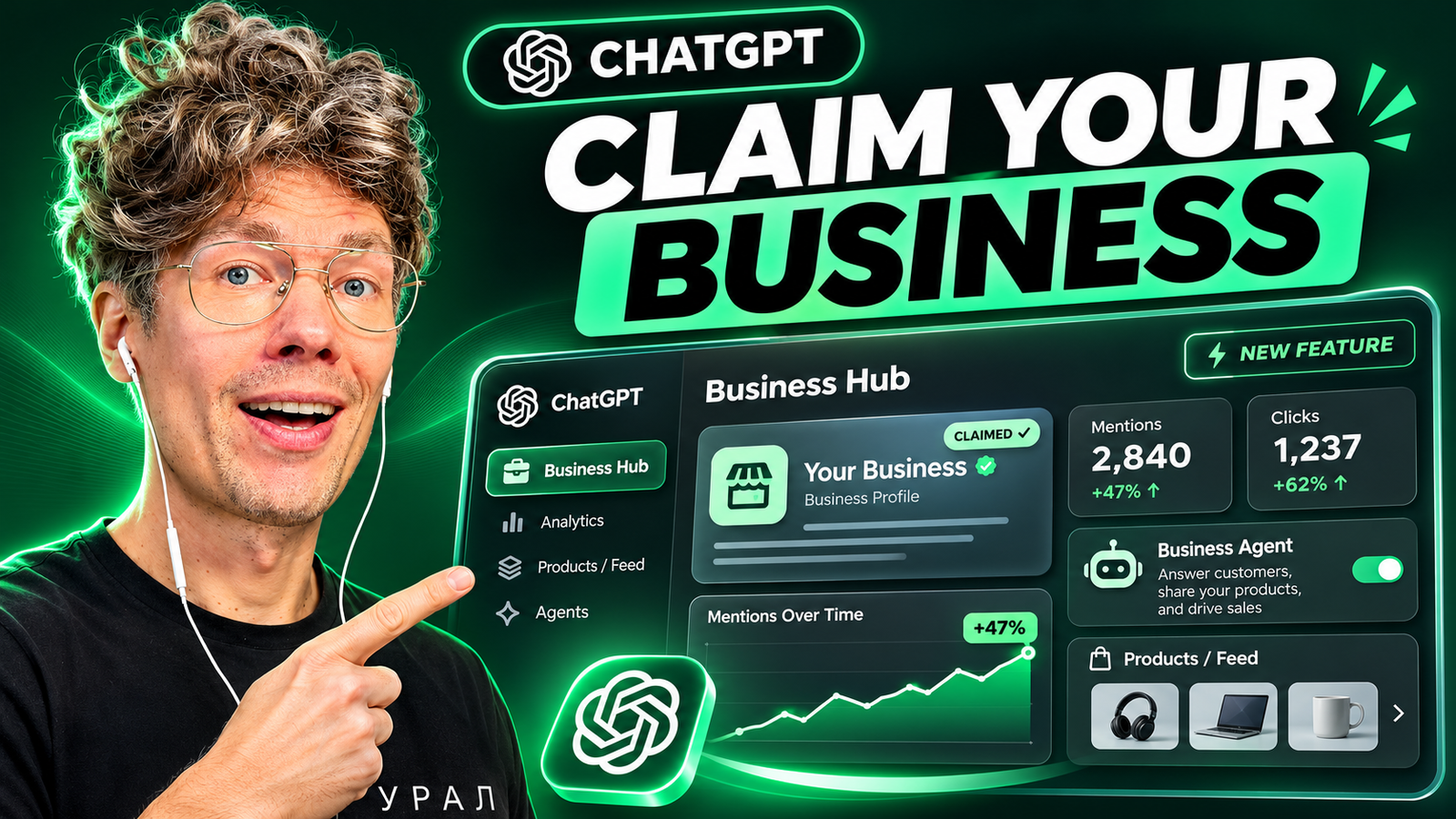
OpenAI has launched Businesses in ChatGPT, a new Business Hub where eligible companies can claim their business profile, maintain company information, and monitor how people discover them through ChatGPT. I tried the new dashboard with my own business and saw approximately 400 mentions and 52 website clicks in the displayed reporting period. In this guide, I’ll explain how to claim your business on ChatGPT, what the analytics mean, and why business owners should pay attention to AI search visibility.
Quick links: Claim your business in ChatGPT · Watch my hands-on video · OpenAI’s official announcement.
What Is ChatGPT Business Hub?
ChatGPT Business Hub is OpenAI’s business-facing dashboard for claiming an eligible company, managing selected business details, adding product information, and viewing aggregated discovery metrics. Announced on November 10, 2026, as part of the Businesses in ChatGPT beta, the hub helps companies understand and manage their presence as people use AI to discover products, services, and brands.
It is important not to confuse Businesses in ChatGPT and its Business Hub with the separate paid ChatGPT Business workspace subscription. This guide is about company discovery and business profiles, not employee seats or team subscriptions.
How to Claim Your Business on ChatGPT
To claim your company, go to chatgpt.com/business-hub, sign in, select the option to claim or add your business, and follow the ownership-verification process. After your claim is approved, you can explore the profile and any eligible features available to your organization.
- Open Business Hub: Visit the official ChatGPT Business Hub and sign in to your OpenAI account.
- Find or add your organization: Choose the business you manage and follow the on-screen claiming steps.
- Verify ownership: Complete the verification requested for your company. Verification methods and processing time can vary.
- Review your business profile: Check your company name, website and other available details for accuracy.
- Explore insights: Where available, inspect business mentions, website clicks and discovery topics.
- Consider optional tools: If your business qualifies, evaluate product feeds, Shopify connection and Business Agents.
In my test, the initial claim approval took roughly five to ten minutes. That was my personal experience, not an official guaranteed processing time. Eligibility, verification requirements and feature availability may differ across businesses.
Watch My ChatGPT Business Hub Walkthrough
In this video, I show my actual experience claiming a company and exploring the new Business Hub: profile information, mentions, website clicks, discovery topics, product feeds and upcoming opportunities for business agents.
Watch the full video on YouTube.
What Does ChatGPT Business Hub Show? My Firsthand Results
After claiming my organization, I opened the analytics view. During the reporting period shown in my dashboard, the figures were approximately 400 business mentions and 52 website clicks. These are observations from my account, not benchmarks or predictions for other brands.
The most useful part was not just the totals. The dashboard also displayed trends and discovery topics—themes associated with ChatGPT conversations in which my website was cited. One of the categories shown was surprisingly unrelated to the services I expected to see. That is exactly why reviewing these topics matters: AI discovery can reveal unexpected ways your business is being surfaced.
What are ChatGPT business mentions?
Business mentions are an aggregated indication of how often your business appears in relevant ChatGPT interactions, as reported by the Business Hub dashboard. They are a visibility signal, not proof that people bought your product or that ChatGPT recommends your company more than competitors. Look at changes over time and evaluate them alongside website visits and real business outcomes.
What are website clicks in Business Hub?
Website clicks measure visits from ChatGPT interactions to your website as reported in the Business Hub. This can help businesses understand whether AI-driven discovery is leading people toward their site. However, clicks are not the same as leads or revenue; use your own analytics and conversion measurement to assess business impact.
What are discovery topics?
Discovery topics are aggregated themes in conversations where a business’s website is cited. They help businesses see the contexts in which people encounter their content. Use them to identify recurring audience needs, misleading associations or content gaps, while remembering that the dashboard does not reveal individual conversations.
Can Businesses See Private ChatGPT Conversations?
No. OpenAI says Business Hub insights are aggregated and subject to privacy thresholds; businesses do not receive users’ private ChatGPT conversations or Business Agent chats. You may see totals and generalized topics, but you should not interpret those insights as transcripts or personally identifiable customer records. See OpenAI’s product announcement for its privacy description.
Can You Add Products and Product Feeds to ChatGPT?
Verified eligible businesses can provide product information through self-service feeds, including pricing and availability, while eligible Shopify merchants can use the platform’s Shopify connection. This gives companies a way to supply more current product data to ChatGPT.
For ecommerce brands, a clean catalog is worth preparing before onboarding: accurate titles, descriptions, prices, availability, product URLs and clearly identified variants. Feed integration should not be mistaken for guaranteed placement or sales. Information quality and eligibility still matter.
What Are ChatGPT Business Agents?
Business Agents let eligible businesses create an AI-powered conversational experience that people can open from the company’s ChatGPT profile. They can help prospective customers explore offerings, compare products and ask follow-up questions. OpenAI describes these conversations as clearly separated from ChatGPT’s independent answers.
At launch, Business Agents are available to eligible ecommerce and online service businesses in the United States; access is not universal. If you plan to connect company systems, assess security, permitted data access, accuracy, customer-support escalation and what the agent is allowed to do before publishing it.
Is ChatGPT Business Hub Free?
Claiming a business through Business Hub is presented as a free way for eligible organizations to establish their profile. However, do not assume every associated capability, advertisement or future commercial integration is free. Business Agents and other advanced features have separate eligibility and may have additional requirements. The paid ChatGPT Business workspace is a different offering.
Is Business Hub the New Google Search Console for AI Search?
My first impression is that Business Hub feels like an early Google Search Console-style dashboard for AI discovery. Both help businesses inspect visibility and traffic signals inside a major discovery ecosystem. But they are not equivalent products, and Business Hub does not replace traditional SEO analytics or Search Console.
| Question | ChatGPT Business Hub | Google Search Console |
|---|---|---|
| Primary discovery environment | ChatGPT | Google Search |
| Visibility indicators | Aggregated mentions and discovery topics | Search impressions, queries and positions |
| Traffic indicators | Website clicks in ChatGPT | Clicks from Google Search |
| Business-facing profile tools | Claiming, business details and eligible product/agent features | Search performance and indexing tools |
| Best use | Understand business discovery inside ChatGPT | Diagnose and improve visibility in Google Search |
My AI Visibility Checklist for Business Owners
As a marketer working with AI automation and business growth, I recommend treating this launch as a reason to audit your company’s discoverability—not as a promise of instant exposure.
- Claim your eligible business: Ensure the correct organization is connected to your account.
- Check factual accuracy: Make sure your name, domain, products and services are consistent across your own website and public pages.
- Record a baseline: Save the dates, mentions, clicks and discovery themes you see.
- Study intent: Compare discovery topics with the questions your real customers ask.
- Improve answer-ready pages: Publish clear service descriptions, product details, use cases and FAQ answers based on customer needs.
- Measure outcomes: Track qualified visits, inquiries and sales—not just mention counts.
- Review optional integrations: Keep feeds current and consider a Business Agent only when eligible and operationally ready.
These steps combine classic SEO with answer engine optimization (AEO)—making answers easy to extract—and generative engine optimization (GEO)—improving the clarity, factual support and usefulness of information AI systems may encounter. There is no guaranteed formula for getting a business mentioned in ChatGPT.
Frequently Asked Questions
Where can I claim my business on ChatGPT?
Use the official ChatGPT Business Hub. Sign in and follow the claim and verification instructions for your organization.
Does claiming my business guarantee ChatGPT recommendations?
No. Claiming and verifying your profile does not guarantee that ChatGPT will mention, favor or rank your business in responses.
Can I see how many people clicked my website from ChatGPT?
Business Hub can display aggregated website-click metrics for eligible businesses where sufficient data is available. Compare those insights with your own traffic and conversion tracking.
Can businesses use Business Agents worldwide?
No. The initial Business Agent rollout focuses on eligible US ecommerce and online service businesses. OpenAI says it plans broader availability over time.
Do I need to pay for ChatGPT Business to claim my company?
No. The business profile and Business Hub experience discussed here are distinct from the ChatGPT Business subscription for teams.
Final Thoughts: Claim Your Business and Start Measuring AI Discovery
I recommend eligible business owners visit ChatGPT Business Hub, verify their information and review available insights. The most compelling part of my test was seeing concrete signals—around 400 mentions and 52 clicks—from a discovery channel that most businesses still don’t measure systematically.
For a hands-on demonstration, watch my YouTube walkthrough. For feature details and eligibility, read OpenAI’s official November 10, 2026 announcement.
Need help with ChatGPT visibility, AI automation, or business AI implementation? At KONE.VC, we work with businesses on practical AI adoption, automation and discovery opportunities. Book an AI consulting session with KONE.VC.
Written by Anton Saburov. Updated November 13, 2026. Firsthand dashboard metrics are personal observations from the video and may not reflect current or typical performance. Product availability can change.