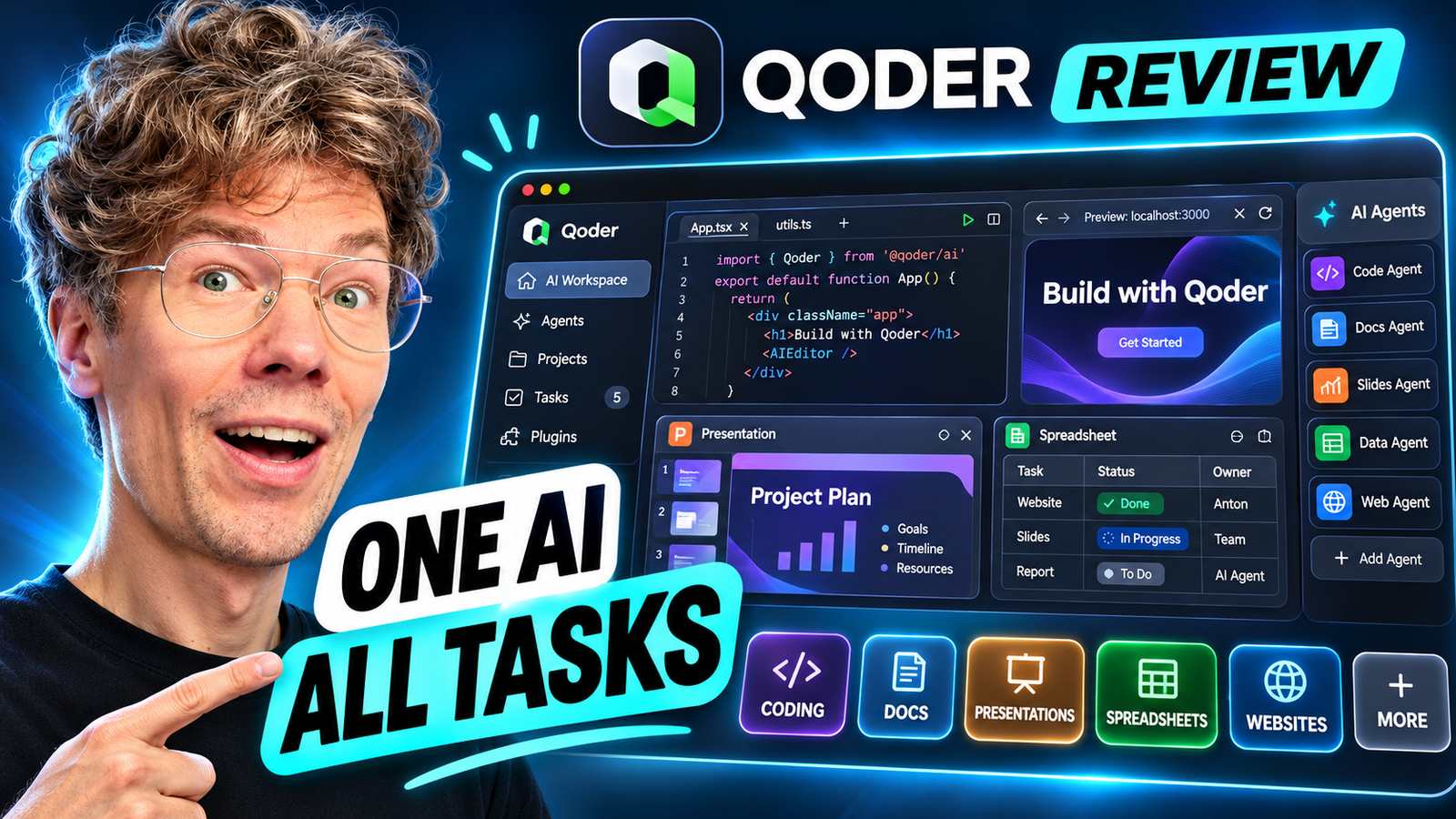
Can one AI agent handle coding projects and everyday business work? In this hands-on Qoder review, I explore its Coding and General modes, model selection, skills, plugins, browser preview, and document workflows. My takeaway: Qoder is compelling not simply because it writes code, but because you can delegate a defined outcome and then review the result.
Watch my Qoder video review: Qoder AI Review on YouTube
Want to test it yourself? Try Qoder through my registration link. This is a referral link.
What is Qoder AI?
Qoder is an agent-first desktop workspace that accepts natural-language goals and carries out tasks using files, tools, AI models, and integrations. It offers a Coding mode organized around software workspaces and a General mode for document-oriented and other tasks. It is related to, but distinct from, Qoder IDE, which emphasizes hands-on code editing. This distinction matters when comparing Qoder with traditional AI code editors. See Qoder’s official overview and work mode guide.
My four biggest takeaways from testing Qoder
1. Coding agents can move from a goal to a working result
My first use case was website development. Rather than describing every individual code edit, I could state the outcome, use a project workspace, and review the generated files and website in the built-in browser. Qoder also provides development-oriented tooling such as a terminal and project review workflow. For founders and marketers, this can make prototyping a landing page or internal tool more approachable.
The practical method I recommend is to start with a narrowly defined task: explain the intended audience, page structure, design requirements, and what “done” should mean. Then review the browser preview, test the functionality, and iterate on problems. The AI-generated output still needs human verification before production deployment.
2. Skills and plugins turn Qoder into a more useful workspace
One of the most interesting features is extensibility. Skills provide targeted capabilities; plugins may bundle tools, instructions, and external integrations. In my walkthrough I discuss workflows involving GitHub and services such as databases and hosting providers. The value is not installing every integration: it is connecting only the tools a project actually needs.
For example, a website workflow may combine code generation, repository operations, database setup, and deployment. An office workflow may need document-handling skills instead. The official Qoder plugin documentation explains how skills, MCP servers, agents, commands, rules, and hooks fit together. Check the installed product and integration availability before relying on a specific connector.
3. Model selection makes cost and capability trade-offs visible
Qoder supports choosing among model tiers and available individual models. In the video, I explore the selection controls, context window information, and usage credits, including lower-cost model options. Different tasks call for different levels of model capability: a simple formatting request may not need the same reasoning budget as a complicated multi-file software change.
My recommendation is to check the model’s displayed credit rate before launching a big job, use an efficient option for straightforward work, and reserve stronger models for complex reasoning or debugging. The precise model lineup, free offers, and rates can change. See the current official model selector guide.
4. General-purpose tasks are the unexpected attraction
Qoder is not limited to software development. In my demo, I switch to business tasks and work with presentation generation. The initial output can look generic, but that makes the role of reusable skills and clear design instructions even more important. For an entrepreneur, the same agent-oriented workflow could support document production, research organization, and recurring operational tasks.
Qoder’s General mode is intended for research, documents, and folder-oriented work; the official guide explains its differences from Coding mode. Qoder also has a separate product called QoderWork, focused on everyday desktop work. Don’t assume every QoderWork feature is available identically in every Qoder client.
Qoder Coding vs General: which mode should you use?
| Criteria | Coding mode | General mode |
|---|---|---|
| Best for | Websites, apps, fixes, code projects | Documents, research, office workflows |
| Work organization | Project workspaces | Folders or tasks without local files |
| Typical result | Code, tests, previews, project files | Documents, presentations, research outputs |
| Review priority | Run and test the software | Fact-check, edit, and style the deliverable |
Is Qoder free? What about pricing and credits?
In the recording I show my usage dashboard and discuss efficient model choices, promotions, and a low entry price at the time I recorded it. Those observations are a snapshot of my account, not a promise of unlimited use or a current universal price. Qoder’s offerings and credit rules may differ between the agent desktop workspace, Qoder IDE, account plans, and promotions. Before subscribing, check the plan and per-model credit cost shown in your own account and the official pricing reference.
Who should consider Qoder?
Developers can use it to delegate bounded coding tasks while preserving code review and testing. Founders can prototype simple websites and tools faster. Marketers and operations teams can experiment with presentations and document workflows without starting every task from scratch. I would be more cautious with sensitive company data, production infrastructure, or unattended agent actions: grant only necessary permissions and inspect outputs.
My Qoder verdict
What I like most is the combination of an agent-first workflow, extensibility, several model choices, and the ability to work beyond coding. In my hands-on review, Qoder felt particularly useful for someone who moves between software experiments and business tasks throughout the day.
It is not a substitute for testing, fact-checking, or thoughtful project instructions. But if you want to explore agentic coding alongside office automation, it belongs on your shortlist. Watch my full Qoder review, then register for Qoder here.
Frequently asked questions
Is Qoder only for programmers?
No. Qoder has Coding and General modes. Coding is oriented toward development workspaces and code tasks, while General handles research, documents, and other folder-oriented jobs. You still need to review the resulting files and actions.
Can Qoder generate presentations?
In my video, I demonstrate a presentation workflow. The quality depends on the model, instructions, and available skills. Treat the first draft as a starting point and refine the visual design and factual content before sharing it.
Does Qoder support different AI models?
Yes. Its model selector supports automatic routing, model tiers, and available individual models. Availability and credit rates can vary, so check the selector in your account.
Is Qoder IDE the same as Qoder?
No. The newer standalone Qoder application is built for delegating end-to-end tasks to an agent. Qoder IDE emphasizes direct code editing with AI assistance. They are related products with different interfaces and workflows.
Can Qoder replace a developer or a full office software stack?
Not reliably. It can speed up well-scoped coding and office tasks, but it does not remove the need for security review, testing, editing, and human accountability. The best use case is assisting and automating parts of a workflow, not assuming every generated output is production-ready.
By Anton Saburov · Updated November 13, 2026 · Based on my hands-on video demonstration and Qoder’s published documentation. Features, integrations, prices, and promotions are subject to change.